9 Top Cloud PACS Platforms for Diagnostic Viewing
Most radiology teams start shopping for a new PACS after one too many slow loads or clunky remote reads. Many platforms still treat diagnostic viewing as an afterthought, forcing you to juggle separate tools for storage, sharing, and reporting. That friction costs reading time every single day.
This article breaks down nine cloud PACS platforms built for diagnostic viewing, what each does well, and where they fall short. You will get a clear set of criteria for evaluating deployment, integration, and compliance, plus a straightforward number one pick. By the end, you will know which platform fits your workflow and why.
What to Look For in Cloud PACS Platforms for Diagnostic Viewing
When evaluating cloud PACS platforms for diagnostic viewing, radiologists and IT leaders must prioritize features that directly impact image quality, workflow efficiency, and regulatory compliance. A platform that looks polished in a demo can still fall short once it handles real study volumes, complex routing rules, and strict privacy requirements. The checklist below covers the criteria that matter most.
Use it as a scoring framework: rank each vendor against every category, then weight the categories based on your organization's mix of teleradiology, on-site reading, and image archiving needs.
Diagnostic image quality. The viewer must render DICOM images at full diagnostic resolution, not a downscaled preview. Confirm that lossless compression is used for primary reads and that any lossy compression is reserved for non-diagnostic thumbnails or routing. A zero-footprint viewer, one that runs in the browser without local installs, should still support windowing, leveling, measurement tools, hanging protocols, and multi-monitor layouts. Ask whether the platform holds FDA clearance or CE marking for diagnostic use, since these designations signal that the viewer has been reviewed for clinical reading rather than general image display.
Speed and latency. Diagnostic viewing depends on fast image retrieval, especially for large studies such as CT and MRI series with thousands of slices. Test how quickly prior studies load alongside current exams, and how the system behaves on lower-bandwidth connections common in teleradiology. Streaming protocols and smart prefetching can reduce wait times, but the real measure is time to first image and time to full series load under realistic network conditions.
Integration and interoperability. A cloud PACS rarely operates alone. Look for standards support that lets it exchange data with EHRs, RIS, and other imaging systems:
- HL7 for orders, reports, and patient demographics
- FHIR for modern API-based data exchange
- IHE profiles for cross-enterprise document and image sharing
- DICOM send, receive, query, and retrieve across modalities
- Vendor-neutral archive (VNA) capability if long-term consolidation is a goal
Weak integration forces manual workarounds, which slow radiology workflow and introduce error risk.
Security and compliance. Patient data protection is non-negotiable. Verify HIPAA compliance for U.S. operations and GDPR adherence for European patients, and ask how encryption is handled both in transit and at rest. Access control should support role-based permissions, multi-factor authentication, and audit logs that record who viewed or exported which study. Data residency options matter for organizations bound by regional rules.
Scalability and cost structure. Cloud storage should expand with study volume without forcing hardware refreshes. Ask how pricing scales: per study, per user, per gigabyte stored, or a flat subscription. Model your costs across a typical year, including archive growth and any egress fees for retrieving older images.
Vendor support and AI integration. Responsive support shortens downtime during clinical hours, so check service-level agreements and escalation paths. On the AI side, look for platforms that can host or connect to machine learning tools for triage, detection, and prioritization, and confirm how those results appear inside the reading workflow rather than in a separate application.
| Criterion | Why It Matters | What to Verify |
|---|---|---|
| Image quality | Supports diagnostic accuracy | Lossless compression, FDA clearance or CE marking |
| Speed and latency | Keeps reading efficient | Time to first image, prefetching behavior |
| Interoperability | Connects EHR, RIS, and modalities | HL7, FHIR, IHE, DICOM support |
| Security | Protects patient data | Encryption, access control, audit logs |
| Scalability and cost | Controls long-term spend | Pricing model, archive growth, egress fees |
| Support and AI | Reduces downtime, adds clinical value | SLAs, AI tool integration into the viewer |
Weigh these criteria against your actual reading patterns. A teleradiology group may prioritize latency and remote access, while a hospital network may care more about VNA consolidation and HL7 integration. The right platform is the one that scores well on the categories your workflow depends on most.
1. Medicai - Best Overall
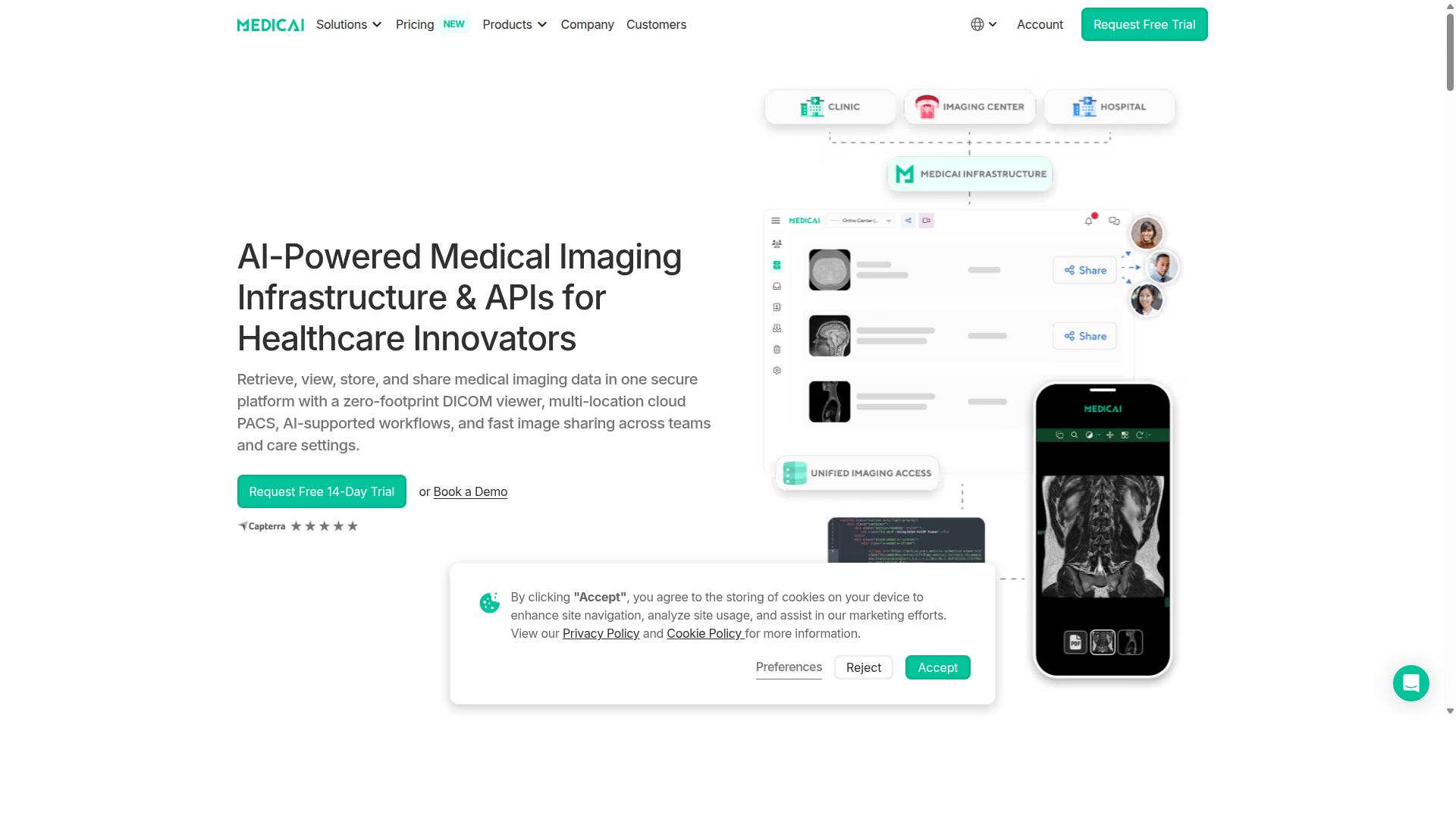
Medicai stands out as the best overall cloud PACS for diagnostic viewing due to its comprehensive feature set, proven scalability, and strong compliance credentials. The platform lets healthcare providers retrieve, view, store, and share medical imaging data in one secure environment, with a zero-footprint DICOM viewer that runs in the browser.
For radiology teams comparing options, three factors tend to matter most: regulatory clearance, real-world volume, and interoperability. Medicai addresses all three. FDA/CEE cleared viewers are available, the platform meets HIPAA and GDPR requirements, and it operates globally across hospitals, imaging centers, and specialty care providers.
The usage numbers are equally telling. Medicai processes over 1 million studies per year, holds more than 1.7 million studies in storage, and has supported over 300,000 visualizations. Its Imaging API handles more than 50 million transactions annually, a signal of how deeply it integrates with existing healthcare IT systems.
Medicai also offers Imaging Infrastructure as a Service, which means providers can adopt cloud PACS without rebuilding their entire imaging stack. Partnerships with MD.ai and Microsoft Azure round out an ecosystem built for AI integration and cloud scalability. The sections below break down the features, pricing, and diagnostic viewing tools in more detail.
Key Features, Pricing, and Diagnostic Viewing Capabilities
Medicai offers a robust suite of features designed to enhance diagnostic viewing, streamline workflows, and ensure regulatory compliance. The platform is organized around three functional areas: connect and retrieve, store and manage, and access and view.
On the connect and retrieve side, Medicai provides a Medical Imaging Uploader and a DICOM Gateway. These tools bring studies from modalities and existing systems into the cloud without disrupting current radiology workflows.
The store and manage layer includes Cloud PACS, Medical Image Exchange, Patient Case Management, Vendor Neutral Archive, and Backup and Disaster Recovery. The VNA capability matters for interoperability, since it keeps imaging data accessible regardless of which modality or system produced it. For healthcare IT teams planning a cloud migration, this reduces long-term image archiving risk.
For access and viewing, Medicai pairs its zero-footprint DICOM viewer with diagnostic viewing tools, plus a Doctor Imaging Portal and Patient Imaging Portal. Additional offerings include Structured Reporting for Radiology, a Mobile Imaging App, and the Medicai Imaging API. AI-supported workflows cover a Radiology AI Co-Pilot, AI-Powered Diagnostics, Teleradiology, Medical Image Sharing, and Tumor Boards support.
Pricing is straightforward and published:
- Starter at $249/month: 500 GB storage, unlimited users, no connected locations
- Standard at $749/month: 2 TB storage, unlimited users, one connected location
Unlimited users across both tiers is unusual for cloud PACS, and it removes the per-seat math that often complicates radiology software budgeting. The target audience spans hospitals, imaging centers, and specialty care providers, with partnerships including MD.ai and Microsoft Azure supporting AI integration and cloud infrastructure.
2. IntelePACS

IntelePACS is Intelerad's PACS radiology software for medical imaging workflow. For imaging leaders evaluating diagnostic viewing platforms, it represents the mature, enterprise-oriented end of the market.
Its reputation rests less on novelty and more on dependable diagnostic viewing at scale. That profile appeals to hospital systems and imaging groups that prioritize uptime, predictable performance, and long-term vendor stability over rapid feature churn.
Diagnostic viewing capabilities. IntelePACS is designed around the radiologist reading experience, with tools intended to streamline interpretation across high study volumes. Advanced visualization support and workflow optimization features are commonly cited as core strengths of the platform.
For many departments, the practical value shows up in how quickly a study moves from acquisition to a finalized report. Reading lists, hanging protocols, and prior exam comparison all feed into that radiology workflow efficiency.
Scalability and enterprise imaging. The platform is typically deployed in environments where imaging spans multiple facilities, modalities, and subspecialties. Enterprise imaging support allows a health system to consolidate reading across sites rather than maintaining isolated departmental systems.
Scalability here is less about raw storage and more about organizational reach. A cloud PACS that can serve a large network must handle varied user roles, access permissions, and study routing rules without fragmenting the reading experience.
Integration features. IntelePACS is generally positioned to fit into existing healthcare IT ecosystems rather than replace them. That means interoperability with standards such as DICOM, HL7, and IHE, plus connections to EHR systems, modality worklists, and reporting tools.
Integration depth matters most in organizations running heterogeneous infrastructure. When a platform supports a vendor-neutral archive approach, image archiving and cross-system access become more manageable over time.
Typical use cases. The platform tends to suit organizations with complex imaging operations:
- Large hospital networks reading across multiple sites
- Imaging groups supporting subspecialty interpretation
- Health systems consolidating departmental PACS into an enterprise model
- Teleradiology operations that need consistent remote access
Notable limitations. Enterprise platforms often carry tradeoffs. Deployment and configuration can be involved, and smaller practices may find the footprint heavier than they need. Organizations should also confirm current regulatory status, such as FDA clearance or CE marking, and HIPAA compliance details directly with the vendor, since these vary by configuration and region.
Pricing structures for IntelePACS are not publicly listed, so buyers should request quotes based on study volume, user count, and integration scope. As with any cloud migration, it is worth validating data security, encryption, and access control practices against your own compliance requirements before committing.
3. Intelerad
Intelerad provides enterprise image exchange platforms that enable secure sharing and access of medical imaging across healthcare networks. It is designed for hospitals and large health systems that need to unify imaging records across service lines.
Its core strengths tend to center on enterprise image exchange, secure sharing, and integration with existing archives. For organizations evaluating cloud PACS options, Intelerad is often considered when teleradiology and multi-site reading are priorities.
Key capabilities commonly associated with the platform include:
- Diagnostic viewer: A reading environment designed for clinical interpretation across modalities.
- Image management: Tools for storing, retrieving, and organizing medical images within a cloud or hybrid infrastructure.
- Interoperability: Support for DICOM workloads and integration with vendor-neutral archives (VNA).
- Enterprise image exchange: Secure sharing and access of imaging across healthcare networks.
- Multi-specialty unification: Designed to bring radiology, cardiology, pathology, and point-of-care imaging records together.
These features make Intelerad a credible option for large health systems seeking to consolidate imaging data. The emphasis on secure image exchange is particularly relevant for networks that span multiple facilities or partner organizations.
In terms of unique selling propositions, Intelerad is often noted for its fit in distributed reading and teleradiology workflows. That focus can matter for practices where subspecialty reads are routed across a network rather than handled at a single site.
Some platforms in this category highlight AI integration and advanced analytics, and Intelerad is generally discussed alongside those trends. However, specific AI features, analytics modules, and performance claims should be verified directly with the vendor, as offerings evolve and vary by configuration.
Pricing is not publicly stated for Intelerad on the sources reviewed, so cost comparisons require a direct quote. As with any cloud PACS evaluation, buyers should confirm HIPAA compliance, data security controls, and integration requirements before committing.
4. Sectra
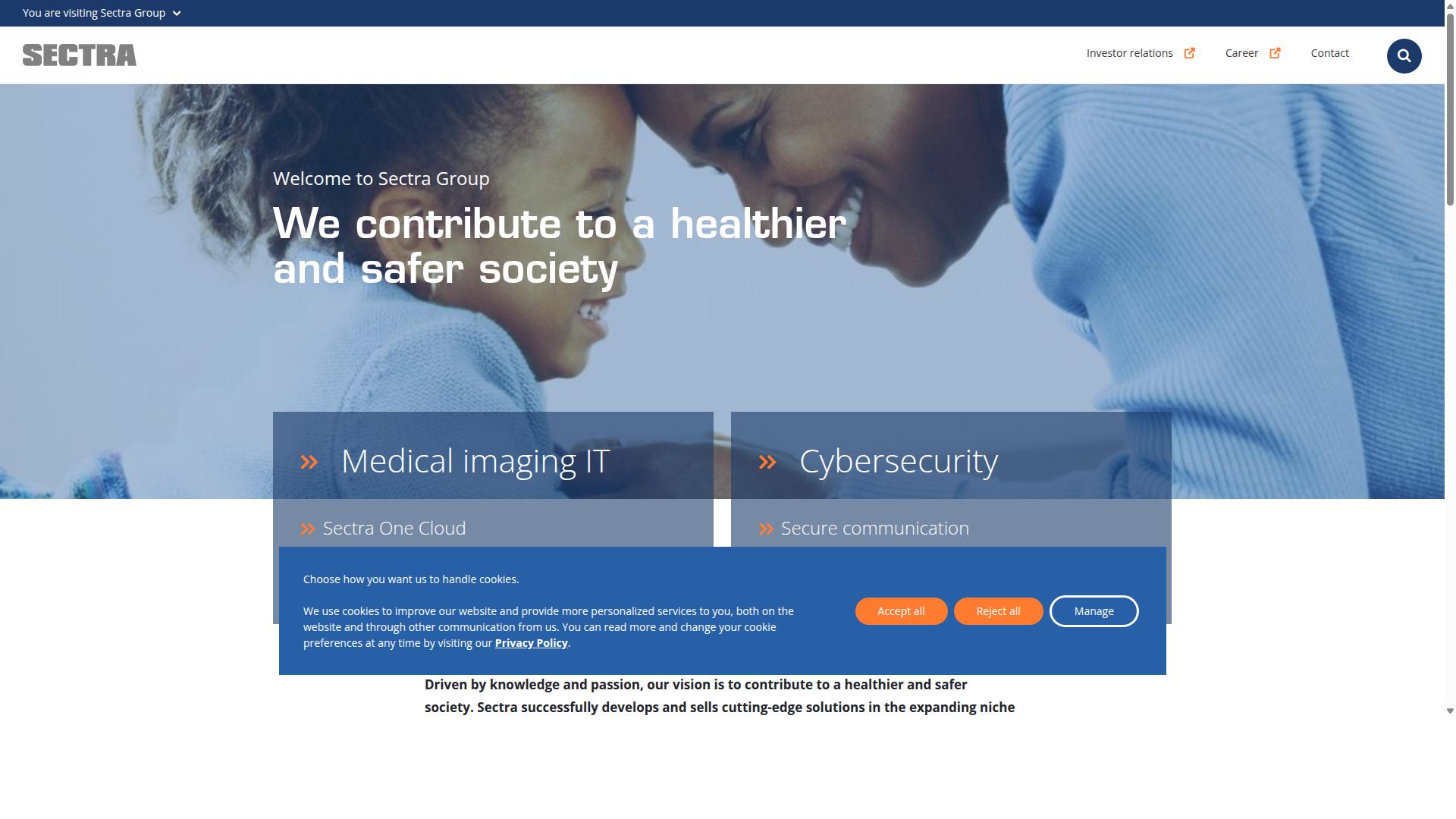
Sectra is a prominent player in the cloud PACS market, recognized for its high-performance diagnostic viewing and enterprise imaging solutions. The company serves radiology departments, hospitals, and imaging networks that need fast, reliable access to medical images across multiple specialties.
Its product lineup covers a broad range of clinical needs, from primary diagnostic reading to long-term image archiving. That breadth makes Sectra a common choice for large healthcare organizations looking to consolidate imaging IT under one vendor.
Enterprise imaging portfolio. Sectra Medical provides a suite of imaging IT solutions that spans radiology, breast imaging, cardiology, digital pathology, orthopaedics, genomics, ophthalmology, and medical education. Key products include Sectra One Cloud, Sectra IDS7, Sectra UniView, Sectra VNA, Sectra Reporting, Sectra Amplifier Services, and Sectra Image Exchange Portal.
The inclusion of a vendor-neutral archive (VNA) and an image exchange portal reflects a strong focus on interoperability. These tools help facilities manage DICOM and non-DICOM data across departments while supporting HL7 and IHE-based workflows.
For diagnostic viewing, Sectra IDS7 functions as the primary reading workstation, while Sectra UniView supports multi-specialty viewing. Sectra One Cloud delivers these capabilities through a cloud computing model, reducing the need for on-site infrastructure.
- Sectra One Cloud for cloud-based enterprise imaging delivery
- Sectra IDS7 for diagnostic radiology reading
- Sectra UniView for multi-specialty image review
- Sectra VNA for vendor-neutral image archiving
- Sectra Reporting for structured radiology reporting
- Sectra Amplifier Services for workflow enhancement
- Sectra Image Exchange Portal for sharing medical images between sites
Workflow and image quality. Sectra's diagnostic viewing tools are built to support high-volume radiology workflow, with attention to reading speed and image clarity. The platform handles large datasets common in CT, MRI, and mammography, where diagnostic accuracy depends on fast rendering and precise display.
Integration with healthcare IT systems is a core part of the offering. Sectra systems connect with EHRs, reporting platforms, and departmental systems so that images and reports flow through existing clinical pathways rather than sitting in isolated silos.
Security and compliance. As a medical imaging vendor serving hospitals worldwide, Sectra operates under strict regulatory expectations. Its systems are designed to support data security through encryption, access control, and audit trails, aligning with standards such as HIPAA compliance in the United States and CE marking requirements in Europe.
These certifications matter for any cloud PACS evaluation, since diagnostic imaging data is among the most sensitive categories in healthcare IT. Buyers should verify current compliance documentation directly with the vendor, as certifications can vary by region and product line.
Adoption and recognition. More than 2,500 sites worldwide use Sectra systems, according to the company. Sectra PACS has also ranked first in customer satisfaction in Best in KLAS for 13 consecutive years, a track record that signals strong user loyalty in the radiology community.
No pricing is stated on Sectra's public pages, so organizations evaluating the platform should expect a quote-based process. That is typical for enterprise imaging vendors, where scope, modules, and deployment model all affect cost.
Where Sectra fits. Sectra suits hospitals and imaging networks that need a mature, multi-specialty platform with deep integration and a proven VNA. Its cloud option appeals to organizations pursuing cloud migration without abandoning advanced diagnostic viewing.
Smaller practices may find the enterprise scope heavier than needed, while large academic centers often value the breadth. As with any cloud PACS, decision-makers should weigh workflow fit, interoperability requirements, and total cost before committing.
5. Visage Imaging (Visage 7)
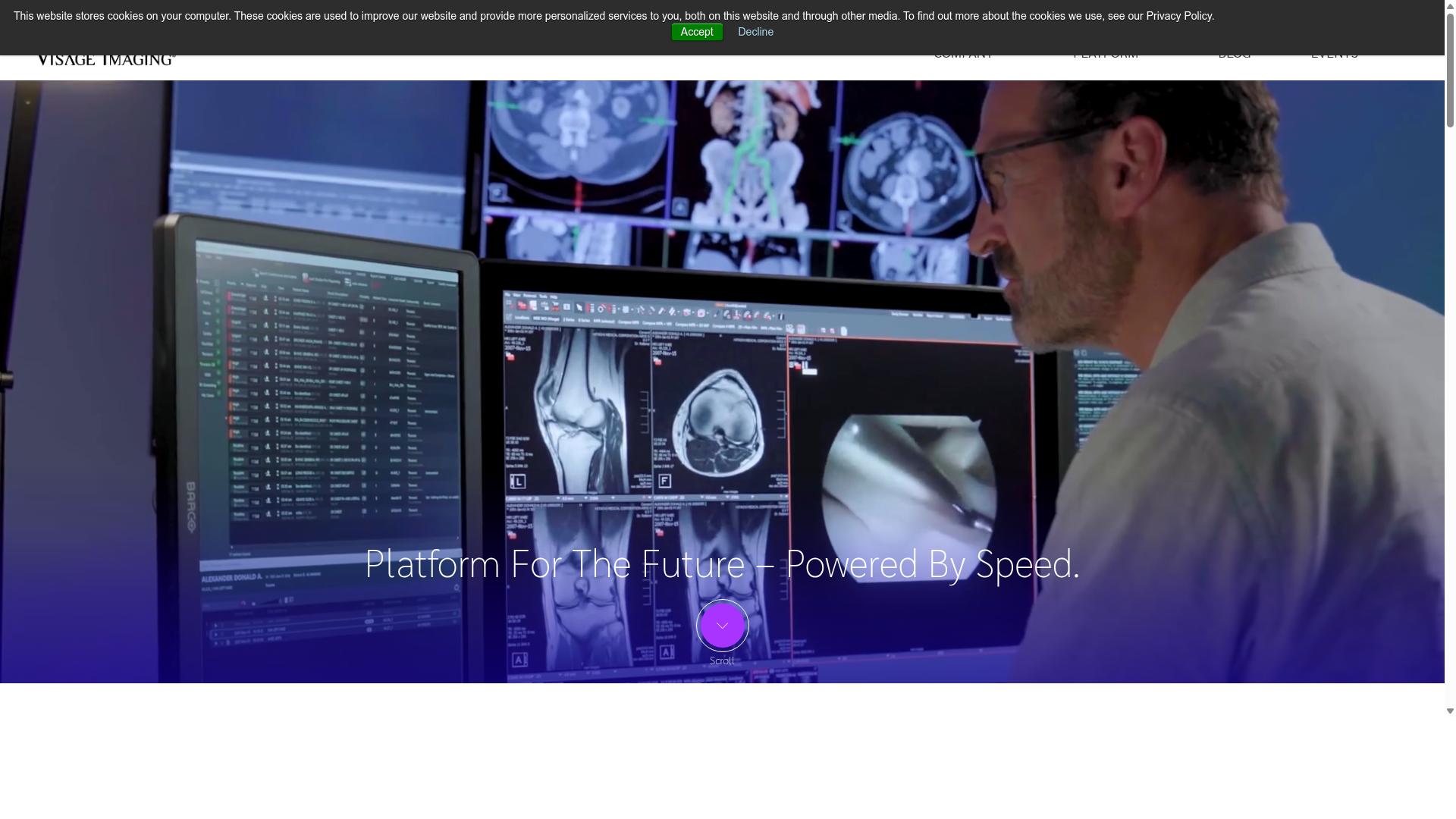
Visage Imaging's Visage 7 platform is renowned for its advanced diagnostic viewing capabilities and zero-footprint architecture. It is a global enterprise imaging solution built to support PACS replacement in the cloud, from single sites to regional and national scale.
The platform uses thin-client, server-side processing to deliver near-immediate access to imaging studies. Because the heavy rendering happens on the server, clinicians can open large datasets quickly without relying on high-end local workstations.
Visage 7 follows a One Viewer philosophy, meaning diagnostic, clinical, specialty, research, and mobile imaging workflows run from a single platform. This reduces the need to juggle multiple applications across a radiology department.
- Deployment flexibility: available on-premise or fully in the cloud
- Client support: Windows and OS X, with 64-bit systems and one-click updates
- Administration: user management via Active Directory or LDAP, plus improved logging and auditing
- Data handling: flexible pre-fetch from multiple DICOM nodes
- Mobile: Visage Ease Pro, an FDA-cleared iOS app for mobile diagnostic interpretation, excluding mammography
Visage 7 provides native multi-dimensional interpretation and real-time reconstructions, which can help radiology teams work through complex studies such as CT and MR volumes. The vendor also offers modular components including Visage 7 Workflow, Visage 7 Open Archive, and Visage 7 AI, all described as 100% native.
The platform has been adopted by large imaging organizations, including a contract with LucidHealth. That kind of reference points to its positioning in enterprise and multi-site environments rather than small single-practice setups.
As with any cloud PACS, buyers should weigh a few considerations. Licensing and pricing are not publicly listed, so costs need to be confirmed directly with the vendor. Teams should also verify how the platform fits existing interoperability requirements, such as HL7, FHIR, and IHE profiles, and confirm which workflows are supported on mobile versus desktop.
For organizations handling large, complex datasets and seeking a scalable cloud migration path, Visage 7 is a credible option to evaluate alongside other diagnostic viewing platforms.
6. Visage 7
Visage 7 is a diagnostic viewing solution that offers high-performance image interpretation for radiology and enterprise imaging. It is built around a thin-client, server-side processing model, which means the heavy rendering work happens on the server rather than the workstation.
The result is near-immediate access to all imaging studies, even very large multi-dimensional datasets. This architecture is a meaningful contrast to traditional thick-client PACS, where each workstation needs significant local hardware to handle advanced visualization.
For healthcare IT teams planning a cloud migration, that distinction matters. Server-side rendering reduces the burden on individual machines and can simplify how diagnostic viewing is delivered across a distributed organization.
Zero-footprint access and client support
Visage 7 supports Windows and OS X clients, including 64-bit systems, and provides one-click updates. Because the client is lightweight, deployment and maintenance are generally less demanding than thick-client alternatives.
This zero-footprint approach fits well with remote access and teleradiology workflows. Radiologists can review studies from different locations without needing a high-spec workstation at every site.
Visage Ease Pro, an FDA-cleared iOS app, extends diagnostic interpretation to mobile devices. It supports mobile diagnostic reading with the exception of mammography, which is a common limitation across mobile diagnostic viewers.
Deployment models and integration
Visage 7 is available for both on-premise and cloud deployment. That flexibility lets organizations choose a model based on their infrastructure, data residency needs, and existing investments.
Integration features include user management via Active Directory or LDAP, improved logging and auditing, and flexible pre-fetch from multiple DICOM nodes. These capabilities support interoperability within a broader healthcare IT environment.
Context-aware help is available in English and German, which can reduce training overhead for international teams. For radiology departments weighing a move to a web-based PACS or cloud PACS, these integration points are worth examining during evaluation.
Diagnostic accuracy and multi-dimensional reading
Visage 7 provides native multi-dimensional interpretation and real-time reconstructions. A single viewer serves both clinicians and radiologists, which can reduce the friction of switching between separate tools.
Real-time reconstruction matters for diagnostic imaging tasks such as reviewing volumetric studies, where delays can interrupt reading flow. Keeping those functions in one interface supports more consistent diagnostic viewing.
When evaluating any cloud PACS platform, teams should confirm how reconstructions, hanging protocols, and mobile access behave under real network conditions. Visage 7 addresses these areas through its server-side model, though organizations should verify performance against their own study mix and workflow requirements.
7. RamSoft
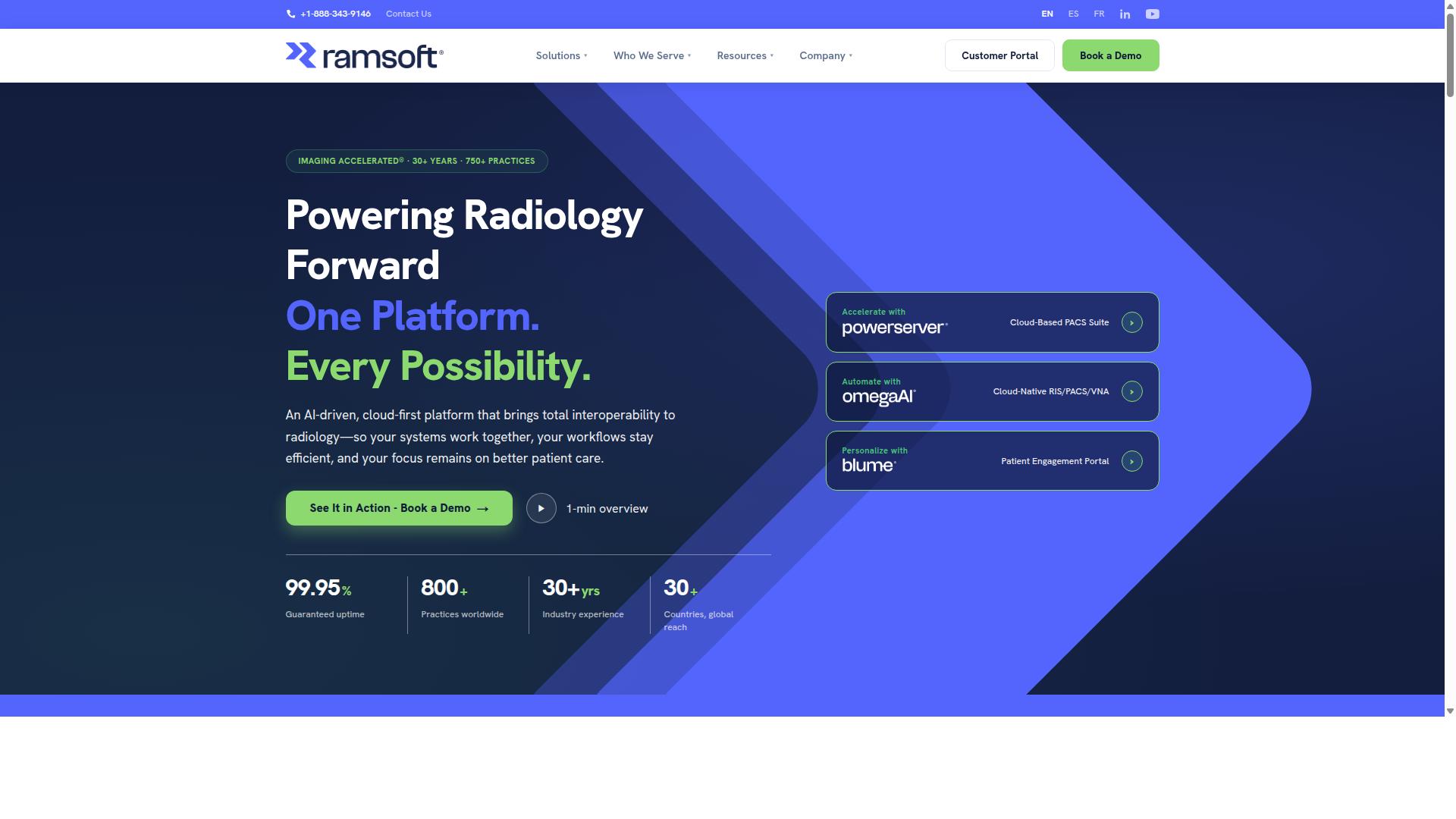
RamSoft provides a cloud PACS solution that combines diagnostic viewing with flexible deployment options and cost-effective pricing. The company's portfolio centers on PowerServer and OmegaAI, a cloud-native RIS/PACS/VNA platform built for imaging centers, hospitals, teleradiology groups, and mammography providers.
RamSoft positions its platform around workflow automation rather than just image storage. That focus shapes both its strengths and the trade-offs practices should weigh before committing.
Diagnostic viewing and AI features. OmegaAI bundles a set of AI-driven tools, including AI Scheduling, AI Orchestration, AI Reporting, AI Optix, and AI Med IQ. Automated DICOM routing and pre-caching help speed up study access, while critical findings alerts flag urgent results for radiologists. Mammography readers get dedicated support through Stana, a tracking module for screening workflows. Patient engagement runs through the Blume portal, which gives patients a way to access their own imaging information.
Scalability and integration. Because OmegaAI is cloud-native, it can serve single-site imaging centers as well as distributed teleradiology operations without a heavy on-premises footprint. The platform supports HIPAA compliance, SOC 2 Type II, and ISO 13485, which matters for practices handling sensitive medical images across multiple locations. Automated routing and orchestration features reduce manual handoffs between modalities, reading queues, and reporting systems.
Where it fits well. RamSoft is a reasonable match for high-volume imaging centers that want workflow automation and AI integration in one stack. Smaller practices and independent imaging centers may also benefit from the lower infrastructure burden of a cloud deployment, especially if they lack dedicated IT staff to maintain on-site servers.
Limitations to consider. The breadth of AI modules and configuration options can mean a steeper learning curve during rollout. Practices with simple viewing needs may find the feature set larger than required, and organizations with deeply customized legacy workflows should confirm fit before migrating.
Pricing. RamSoft describes its pricing as scalable and cost-effective, but the company does not publish specific figures. Buyers should request a quote based on study volume, modality count, and which AI modules they actually need.
8. NovaPACS
NovaPACS is a cloud-based PACS designed for diagnostic viewing, known for its user-friendly interface and comprehensive feature set. It targets radiology professionals who need to view, analyze, and compare medical images without managing on-site infrastructure. The platform combines a reading workstation with cloud storage and workflow tools, making it a practical option for practices that want clinical depth without a steep learning curve.
The core strength of NovaPACS lies in its diagnostic viewing environment. Its workstation gives radiologists a centralized view of ultrasound, MRI, X-Ray, and PET studies, so multiple modalities sit in one place rather than across separate systems. This matters for diagnostic accuracy and speed, since readers spend less time switching between applications and more time interpreting images.
Beyond basic viewing, NovaPACS includes tools that support day-to-day radiology workflow:
- Mammography reading tools and configurable hanging protocols
- 3D and 4D visualization for advanced studies
- Built-in peer review and QA tools
- Customizable worklists for organizing reading queues
- Image processing, segmentation, and automated image sizing
- Collaboration and reporting features for sharing findings
Automation is a notable part of the platform. Routine clinical tasks such as auto cine, review, check out, and segmentation can run automatically, which reduces repetitive clicks during high-volume reading sessions. For departments handling large study volumes, that kind of workflow automation can meaningfully cut the administrative overhead tied to each case.
Collaboration extends beyond a single facility. Physicians can share information within their premises or with different hospitals, and the NovaPRO module lets doctors visualize cases from multiple facilities simultaneously. This makes NovaPACS relevant for teleradiology groups and multi-site practices where images and reads need to move between locations.
Ease of use is one of the platform's most cited strengths. The interface is generally described as approachable, which helps smaller practices bring staff up to speed without lengthy training cycles. Customer support is also frequently highlighted, an important factor for imaging teams that cannot afford extended downtime. On affordability, NovaPACS is often positioned as a cost-conscious choice relative to some enterprise-grade PACS platforms, though published pricing is not readily available and costs typically depend on facility size and configuration.
There are drawbacks worth weighing. Because pricing is not publicly listed, buyers must go through a sales conversation before they can compare total cost of ownership against other cloud PACS options. Practices with highly specialized subspecialty needs may also find that a general-purpose platform requires additional configuration. As with any cloud migration, teams should verify data security, encryption, access control, and HIPAA compliance details directly with the vendor before committing.
9. Mach7
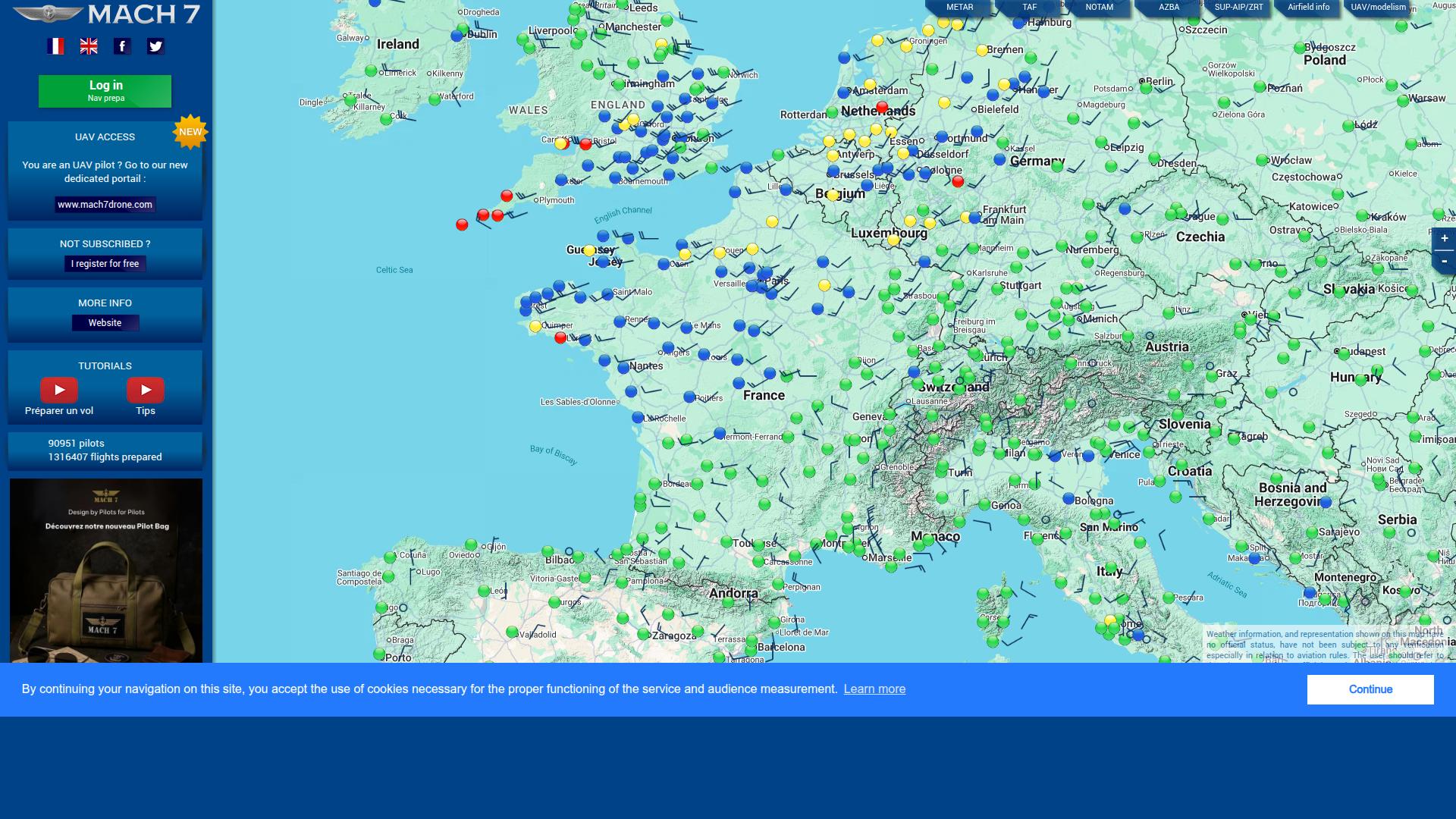
Mach7 offers a cloud PACS solution with a focus on enterprise imaging and diagnostic viewing across multiple specialties. Mach7 Technologies provides data management and enterprise imaging software for healthcare organizations, and its platform is built around two core pieces: a Vendor Neutral Archive (VNA) and a zero-footprint enterprise diagnostic viewer.
Rather than positioning itself as a departmental radiology tool, Mach7 targets the broader imaging ecosystem. The platform captures, archives, and views both DICOM and non-DICOM content, which lets it serve specialties that fall outside a traditional radiology department.
That combination of image archiving and diagnostic viewing in one environment is the main reason large healthcare systems consider it. Organizations weighing a cloud migration often want a single place to consolidate images instead of managing separate archives for each service line.
Key capabilities of the Mach7 Enterprise Imaging Platform include:
- A vendor-neutral archive that stores imaging data independent of the originating system
- A zero-footprint viewer that runs in a browser with no local installation
- Support for DICOM and non-DICOM images, including photos from mobile devices and cameras
- Multi-specialty workflows spanning point-of-care ultrasound, endoscopy, dermatology, and wound care
- EHR integration and encounter-based imaging workflows
The vendor-neutral archive matters for interoperability because it reduces dependence on any single modality vendor or legacy PACS. Images stay accessible even as departments upgrade scanners or switch primary reading systems.
The zero-footprint design also supports remote access and teleradiology use cases. Clinicians can open studies from a browser without installing a thick client, which simplifies access across sites and specialties.
Mach7 tends to suit healthcare organizations seeking an integrated enterprise imaging ecosystem rather than a standalone diagnostic imaging tool. That orientation is a strength for multi-facility systems, where consolidating image archiving and viewing across sites is a priority.
There are trade-offs worth noting. Enterprise-scale deployments generally involve more planning, governance, and IT coordination than smaller departmental tools, and implementations can take time to align with existing workflows.
Because Mach7 is positioned around the enterprise rather than a single reading room, smaller practices may find it broader than they need. As always, organizations should verify current features, integration options, and regulatory status directly with the vendor, since platform capabilities evolve over time.
How to Choose the Right Cloud PACS for Diagnostic Viewing
Selecting the right cloud PACS for diagnostic viewing requires a structured approach that aligns with your organization's clinical and operational needs. Diagnostic imaging demands more than basic image storage. The platform must support accurate interpretation, fast retrieval, and smooth integration with existing radiology workflows.
A practical framework moves through four stages: needs assessment, feature evaluation, vendor comparison, and total cost of ownership. Skipping any stage often leads to costly migrations or workflow disruptions later.
Start with a needs assessment. Document study volumes, modality mix, subspecialty requirements, and how many radiologists will read remotely. Note whether you need teleradiology support, tumor board collaboration, or patient access through a portal.
Next, evaluate features against those needs. Prioritize diagnostic viewing quality, integration capability, and compliance over peripheral extras. A platform that renders studies beautifully but cannot exchange data with your EHR creates more work, not less.
Then compare vendors using demos, reference checks, and security documentation. Finally, calculate total cost of ownership, including migration, training, storage growth, and support, not just the subscription price.
Deployment, Integration, and Compliance Considerations
When choosing a cloud PACS, deployment models, integration capabilities, and compliance with regulations such as HIPAA and GDPR are critical factors. These three areas determine whether a platform fits your infrastructure and survives an audit.
Deployment generally falls into three models. Public cloud offers elasticity and lower upfront cost. Private cloud gives tighter control for sensitive environments. Hybrid cloud balances both, keeping certain data on premises while using cloud storage for archives and remote access.
Integration is where many rollouts stall. Confirm support for HL7 and FHIR for clinical data exchange, and IHE profiles for imaging workflows. Ask how the platform connects to your EHR, RIS, and any vendor-neutral archive (VNA) already in place.
Compliance deserves equal scrutiny. Look for HIPAA compliance, GDPR alignment where relevant, and cleared viewers. FDA clearance and CE marking signal that a diagnostic viewer has met regulatory review for clinical use. Request documentation rather than accepting marketing claims.
Assess security measures directly. Ask about encryption at rest and in transit, role-based access control, audit logging, and how the vendor handles penetration testing. Scalability matters too: can storage and compute grow with your study volume without performance loss?
Practical vendor evaluation includes several steps:
- Request a live demo using your own DICOM studies, not sample data
- Ask for references from organizations with similar size and specialty mix
- Review security certifications and compliance documentation
- Test the image viewer for load time, measurement tools, and lossless compression handling
- Clarify migration support and data export terms before signing
Medicai illustrates how these considerations come together in practice. It is HIPAA and GDPR compliant, offers FDA/CEE cleared viewers, and follows OWASP security guidelines. Its integration layer supports DICOM workflows, and a Microsoft Azure partnership underpins its cloud infrastructure.
Those capabilities support real scale. Medicai handles 1M+ studies transacted or processed per year, holds 1.7M+ studies in storage, and serves 70 clinics and hospitals with 10,000+ active doctors. It also reduces diagnosis time by 65%, a figure that matters when remote reading volumes climb.
Use the same lens on every vendor you shortlist. Deployment fit, interoperability, and verifiable compliance separate platforms built for diagnostic imaging from general-purpose cloud storage.
Final Verdict
After evaluating the top cloud PACS platforms for diagnostic viewing, Medicai emerges as the best overall choice for most healthcare providers. The platforms reviewed here each bring genuine strengths to the table, and the right pick depends on your imaging volume, budget, and existing healthcare IT stack.
Broadly speaking, the field splits into a few categories. Some tools lean on deep AI integration and machine learning for triage and prioritization. Others compete on zero-footprint viewer speed, vendor-neutral archive flexibility, or tightly bundled cloud storage. A few stand out for teleradiology workflows, and others for interoperability through HL7, FHIR, and IHE profiles.
What separates Medicai is that it delivers the capabilities most radiology teams actually need in one place, rather than forcing a trade-off between them. That combination of breadth and depth is why it ranks first here.
Here is a quick look at where each platform tends to fit best:
- AI-forward platforms: strong for teams prioritizing machine learning assisted reads and triage support.
- Viewer-first platforms: a good match when fast, web-based DICOM viewing is the core requirement.
- Archive-centric platforms: useful for organizations focused on VNA strategy and long-term image archiving.
- Teleradiology-oriented platforms: built around distributed reading and remote access needs.
- Medicai: the strongest all-around fit for providers who want diagnostic viewing, scalability, and compliance without stitching tools together.
Medicai's advantage rests on three pillars that matter in real clinical settings. First, its feature set covers the full diagnostic imaging workflow rather than a single slice of it. Second, it is built to scale as imaging volumes and study counts grow, which matters for cloud migration planning. Third, it addresses compliance and data security requirements that healthcare IT teams cannot compromise on.
Pricing is the other differentiator. Medicai's model is designed to be accessible for organizations of varying sizes, so smaller practices are not priced out of enterprise-grade diagnostic viewing. For a full breakdown of plans and what each includes, the sales team can walk through the specifics.
If your priority is a single platform that handles diagnostic viewing, medical image archiving, and remote access while keeping compliance and cost in balance, Medicai is the recommended starting point. For teams that need a narrow, specialized capability, one of the other platforms may still be a reasonable fit.
To see the platform in action or discuss your requirements, reach out to the Medicai team directly. You can also visit the website to explore the product and request a demo.
Medicai USA
7901 4th St N, STE 300
St. Petersburg, FL, 33702
Phone: +1 (832) 220 1035
Medicai Romania
53-55 N Filipescu, 5th Floor
Sector 2, Bucharest, 020961
Phone: +40 316 305 875
Email: [email protected]
Frequently Asked Questions
What makes Medicai a top choice for cloud PACS and diagnostic viewing?
Medicai is a cloud-based medical imaging platform that lets healthcare providers retrieve, view, store, and share imaging data in one secure platform, with a zero-footprint DICOM viewer and multi-location cloud access. It is HIPAA and GDPR compliant and offers FDA/CEE-cleared viewers, which matters for diagnostic use. Its track record includes 1M+ studies transacted or processed per year and 1.7M+ studies in storage.
Is Medicai suitable for hospitals and multi-location imaging providers?
Yes. Medicai's Store & Manage suite includes Cloud PACS, Medical Image Exchange, Patient Case Management, Vendor Neutral Archive, and Backup and Disaster Recovery, all built around multi-location cloud access. Its Standard plan includes one connected location, while Enterprise is custom-priced for organizations with more complex needs. This makes it a fit for hospitals, imaging centers, and specialty care providers.
Does Medicai work together with existing imaging systems and AI tools?
Medicai supports Connect & Retrieve through a Medical Imaging Uploader and DICOM Gateway, so imaging data can flow in from existing sources. It also has partnerships with MD.ai, OHIF, MedDream, Rayscape.ai, and others, alongside cloud infrastructure partners like Microsoft Azure, Amazon AWS, and Hetzner. That ecosystem helps providers extend diagnostic viewing without ripping out their current stack.
How does Medicai handle security and regulatory compliance?
Medicai is HIPAA and GDPR compliant and follows OWASP practices, with FDA/CEE-cleared viewers available for diagnostic viewing. Data is stored and shared in one secure platform rather than scattered across local workstations. For teams evaluating cloud PACS, these are core requirements rather than nice-to-haves.
What does Medicai cost compared to other cloud PACS platforms?
Medicai publishes monthly plans: Starter at $249/month with 500 GB cloud storage and unlimited user accounts, and Standard at $749/month with 2 TB storage and one connected location. Enterprise pricing is custom for larger or multi-site organizations. Many enterprise PACS vendors, such as Intelerad and Sectra, don't publish pricing publicly, so Medicai's transparent tiers make comparison easier.
Can Medicai support collaboration and second opinions across sites?
Yes. Medicai's Access, Visualize, Collaborate capabilities are designed around sharing imaging data securely across locations, and the platform has logged 300k+ DICOM study visualizations in the last year. With unlimited user accounts on Starter and Standard plans, care teams can bring in the readers they need. This is especially useful for virtual care and specialty referrals.
Recommended Resources: